You know exactly what left your dock last month. You filled the orders. What you may not know is what happened next: which bars and stores bought it, how much, and whether they came back for more.
That second number has a name. Depletions are the cases your distributor sold out of its warehouse to its accounts. Shipments tell you what your distributor bought from you. Depletions tell you what the market bought from your distributor. A brand can ship well for months while depletions slow down, and the first sign is often a purchase order that never comes.
Most distributors can give you depletion data. Not every distributor sends depletion data on its own, and what arrives depends on how you ask. Here's a list to work from.
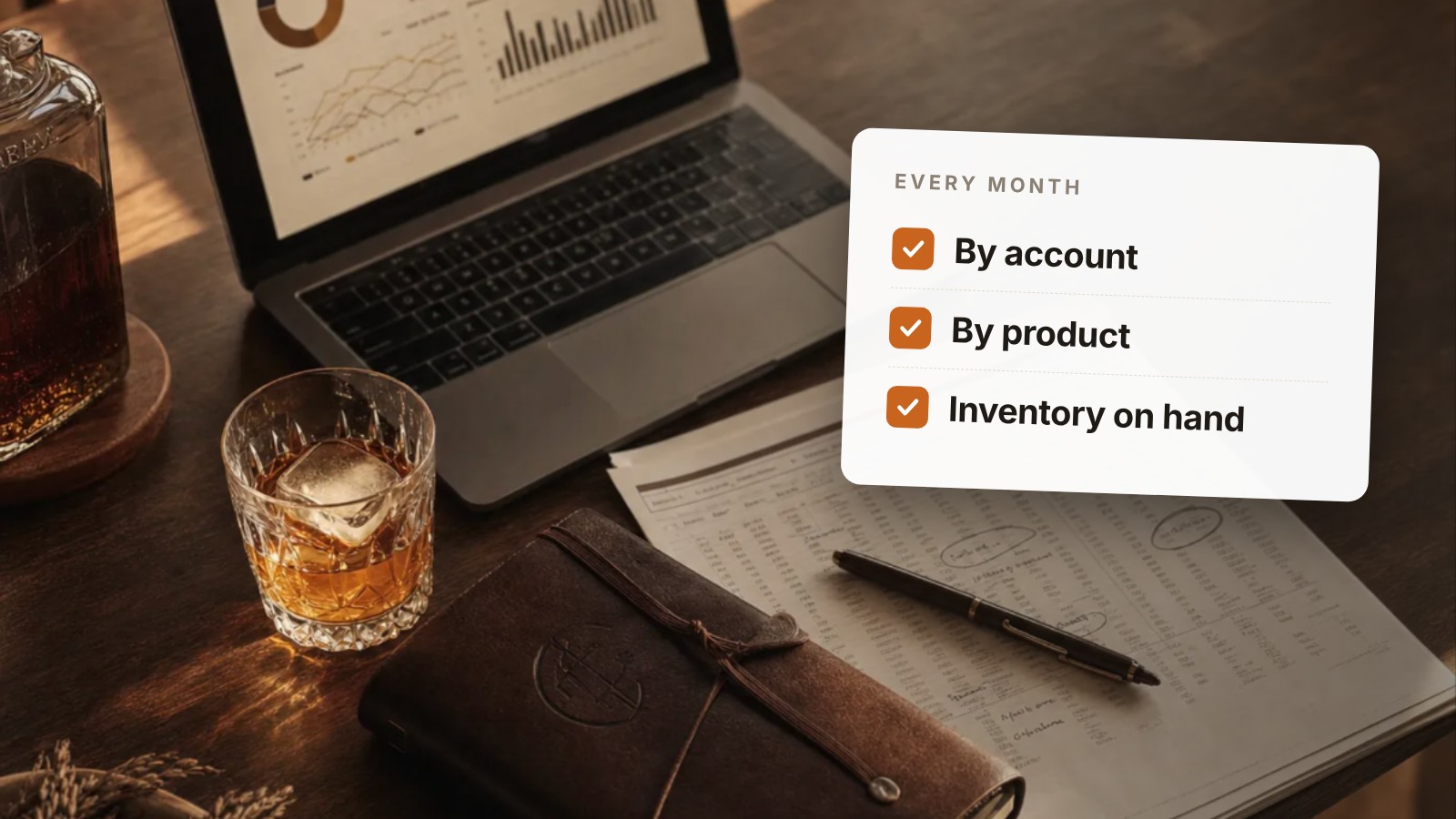
Ask for these every month
- Depletions by account. Every bar, restaurant and store that bought, with cases for the month. A total by itself hides who's buying.
- Depletions by product and size. A 750 ml and a 375 ml of the same spirit can behave like two different products.
- Each account marked on-premise or off-premise. The two move at different speeds and need different support.
- The same month last year, if they have it. A slow February means little until you see the February before.
- Inventory on hand at the distributor. This tells you how soon the next purchase order is likely.
- New accounts and accounts that bought nothing. Who was added, and who bought last month but not this one.
- The sales rep or territory for each account, if they'll share it.
Ask for it in a form you can use
- A spreadsheet or data file, not only a PDF.
- The same layout every month.
- By a set date. Put it on your calendar.
- One contact for late reports or wrong numbers.
If you work with more than one distributor
Each one will send its own format. Account names will be spelled differently, product codes won't match, and one will send cases while another sends bottles. That's normal. You don't need to fix that before you start. Get the reports coming in on a schedule first. Lining them up comes second, and it's the part DepletionIQ does for you.
What you can do with it
Here's a made-up example. A small distillery ships 40 cases of its gin to a distributor in March. The depletion report shows 22 cases sold to accounts, most of them to three restaurants. Two stores that bought in February bought nothing in March. That gives the owner three things to do this week: thank the three restaurants, call the distributor rep about the two stores, and expect the next purchase order to be smaller or later than hoped. None of that is visible from shipments alone.
For a field-by-field walk through the report once it arrives, see How to Read a Distributor Depletion Report.
How to bring it up
We'd like to support your team better in the market. Could you send us a monthly depletion report as a spreadsheet, with account ID, account name and address, SKU, quantity, unit, and the reporting dates, along with inventory on hand at month end? If there's a standard report you already produce, that works for us.
Many distributors already produce a standard supplier report. You're asking to be put on the list. There's a ready-to-send version of this request on our monthly distributor data request page.
Start with one month
One month of reports, read account by account, will usually show you something you didn't know about where your product is going.
That's why DepletionIQ exists: we take the depletion reports your distributors already send, in whatever format they come in, and turn them into one view of your accounts across every state. Send one month of reports and we'll return a live view of your business within two business days. No contract, nothing to install. Book a demo.